Group chat vs roster
Keep the chat. Move the roster out of it.
Group chats are where most small rosters are really run. They are quick and everyone is already there. The trouble starts when the roster itself is a message 300 messages ago.
How a roster ends up in the chat
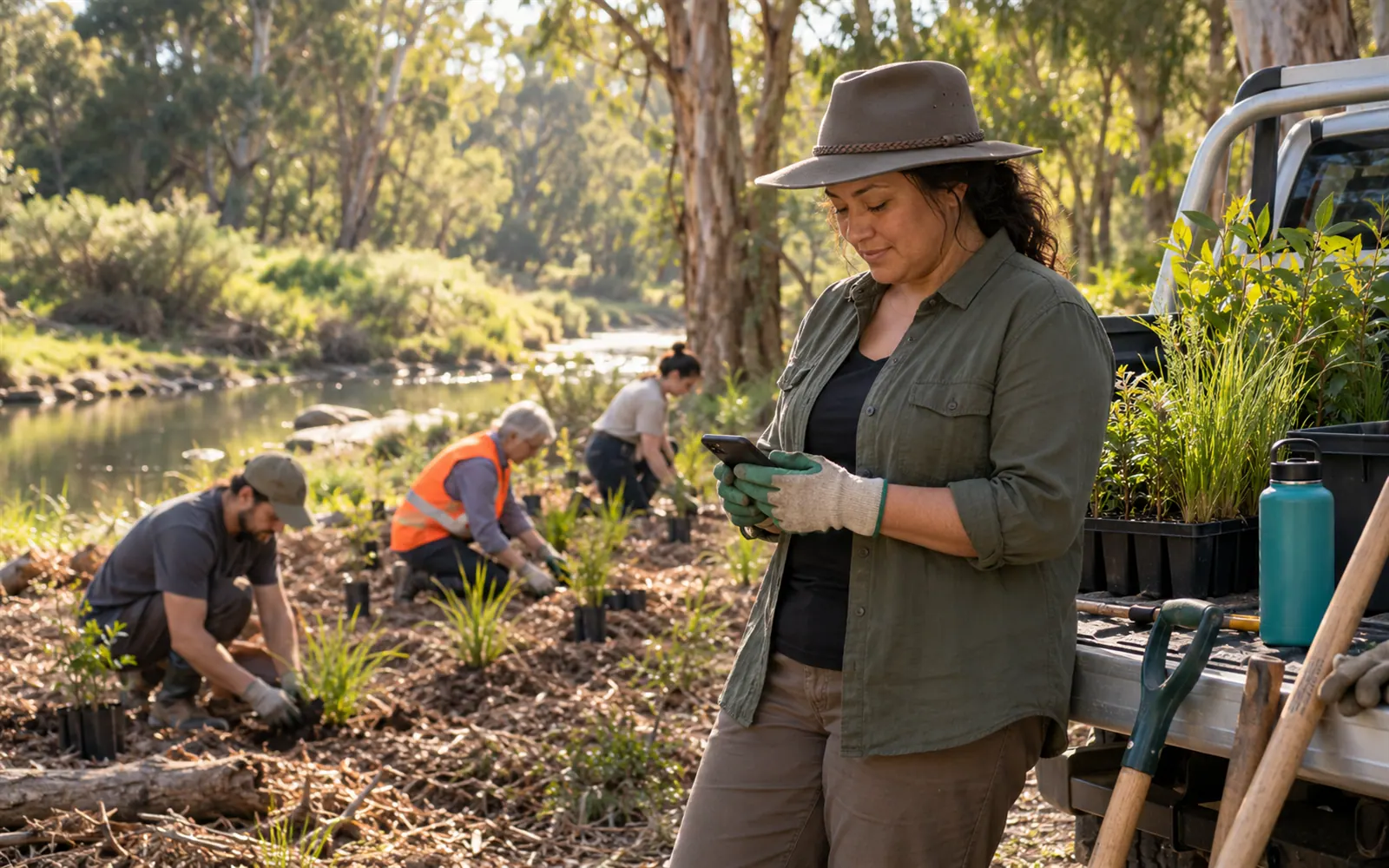
The Saltwater Creek Landcare group has 41 people in its WhatsApp group. Every month Ngaio posts the planting-day roster as a message: four Sundays, three names each, who brings the trailer. Then the replies start. “Can’t do the 9th, sorry.” “I’ll swap with Jack if he’s OK?” “Who’s got the trailer key?”
By Wednesday the roster is a puzzle spread across forty messages. Ngaio reposts a corrected version. Someone screenshots the old one. On the Sunday, two people bring trailers and nobody brings the seedlings.
That isn’t a WhatsApp problem. It is what happens when one place is used for two jobs: talking, and keeping a record of who is on.
What a group chat does well
WhatsApp’s own pages describe group polls, events with RSVPs, and sharing large files in the chat. For a group that meets once, a poll or an event is often all you need. The chat is also where the friendly part happens: the photo of the finished garden bed, the thank-you, the “running ten minutes late”.
Fast
Everyone already has it open. A question gets an answer in minutes.
Polls and events
Good for one-off decisions, like which Saturday suits for the working bee.
Warm
Thanks, photos and jokes keep a volunteer group together. A roster app won’t replace that.
Where the roster gets lost
- The latest version is hard to find. Pinning helps, but corrections still arrive as replies.
- Turns aren’t counted. Who has done three planting days this year and who has done none? The chat can’t tell you.
- Not everyone is in the chat. Some people don’t use WhatsApp, and some groups don’t want everyone’s phone number shared.
- Away days come as messages. “I’m away all of March” scrolls past and is forgotten by the time March is rostered.
Side by side
| WhatsApp group | FairTurns | |
|---|---|---|
| Free to use | ✓ | ✓ |
| Chat, photos and quick questions | ✓ | — |
| Polls and events with RSVPs | ✓ | — |
| One roster that is always the current version | — | ✓ |
| Counts turns and fills empty places by fewest turns | — | ✓ |
| People mark the days they’re away | — | ✓ |
| Viewers need an account or phone number | A WhatsApp account | No: the public link opens in any browser |
Using both together
The tidy answer is to keep the chat for talking and post one link to the roster. In FairTurns you add the planting days once, choose how they repeat (“Every second Sunday”), set how many people each needs, and press Fill. Each place goes to whoever has had the fewest turns. Pin the public roster link in the chat. It always shows the current roster, names and dates only, and nobody needs to sign in.
When someone is away, they mark it themselves, or you mark it for them if they have no account, and Fill leaves them off those days. If a change happens, you change the roster, not the chat; the link shows it straight away.
With Pro, people who have accepted an invitation get a reminder email before their date and can reply “I can’t make it” from the email. With filling by itself switched on, the next person in line is then asked. FairTurns doesn’t send WhatsApp messages or texts, so the chat stays useful for the last-minute “running late”.
A message that works: “Planting roster is here, always up to date: [link]. If you’re away, mark it in FairTurns or tell Ngaio.”
Questions
Can I post the roster link in our WhatsApp group?
Yes. The public link opens in any phone browser without signing in, and it always shows the current roster, so the pinned link never goes stale.
Will people see each other’s phone numbers or emails?
The public roster shows names and dates only. Email addresses and away days are never shown on it.
Can FairTurns post into the chat for me?
FairTurns sends email only, on Pro, to people who have accepted an invitation. It doesn’t connect to WhatsApp, so you share the link in the chat yourself.
What if someone wants to swap?
They can tell you in the chat and you move them on the roster by hand. On Pro, they can reply “I can’t make it”, and with filling by itself switched on the next person in line is asked.
Checked against WhatsApp’s own pages on 24 October 2026; prices and features change, so check theirs before you decide.
Read next
Volunteer roster
A free volunteer roster app: shifts shared out by turns, away days respected, one link for everyone.
Roster reminder messages
Reminder messages to copy for volunteers, canteen helpers, staff and housemates, and when to send them.
When someone can’t make it
What to do when someone drops out of a shift: who to ask, what to say, and how to stop it every week.
Make your roster free
Click a day, add people, share one link. No card, no limit on people or dates.