Event staff roster
An event roster that keeps up with the bookings
Weddings on Saturdays, a wake on a Tuesday, the trivia night every month. FairTurns gives each function its bar, floor and door places, shares them across your casual pool and shows everyone their next event.
Free, with no limit on people or dates. No card.
Fourteen casuals, thirty functions, one events manager
The Old Butter Factory is a country function venue: weddings most Saturdays from September to April, a few corporate lunches, a trivia night on the last Friday of the month, and the odd wake booked with three days’ notice. Fourteen casuals work the bar, the floor and the door. The events manager, Nadia, used to text each function to the group chat and take the first replies, which meant the same four keen people got every shift and the rest drifted off to other jobs.
Event rostering is lumpy. Some weeks have three functions and some have none, each one needs a different number of hands, and the casual pool is always changing. What keeps a pool together is shifts that go around, so everyone gets enough work to stay, and a roster people can see weeks ahead so they keep their Saturdays clear.
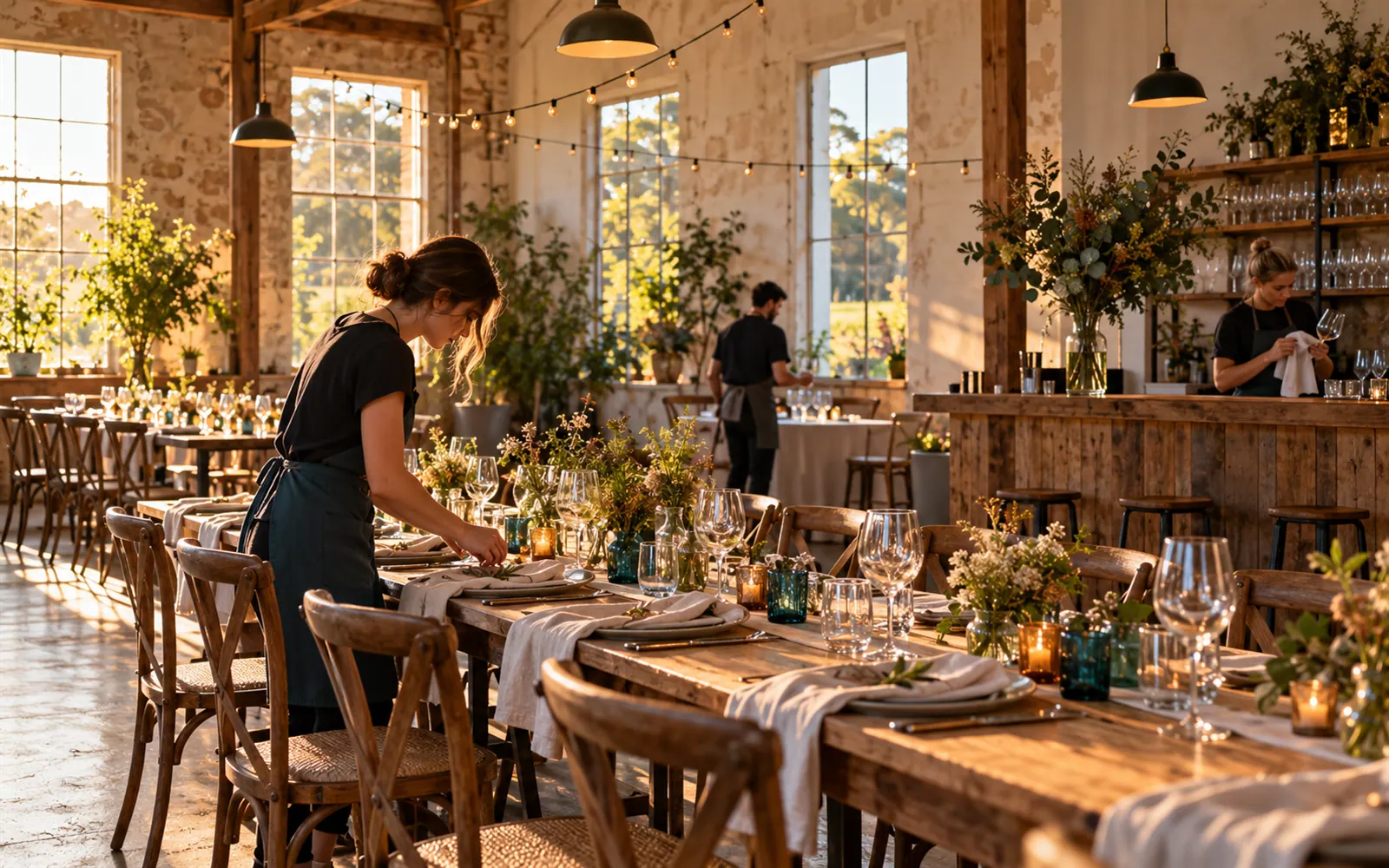
How a venue runs its function roster
Each booking as a date
When a wedding is confirmed, click the day and add it “Just this once” with its start and finish. The trivia night repeats “Every last Friday of the month”.
Places for every role
Bar 2, Floor 3, Door 1: each function team has its positions and headcounts, so Fill knows how many to find.
Shifts spread across the pool
Each place goes to whoever has had the fewest turns in it. The Turns booked chart shows Nadia who is getting enough work.
RSA holders behind the bar
Limit the bar to the people who hold their responsible service of alcohol certificate. Nobody else is put there.
Away weekends known early
Casuals mark the weekends they’re away, months ahead if they like, and Fill rosters around them before the shifts go out.
Pack-down, same crew or new
Add pack-down as a second date on the same day in the same team and switch on Same person all day, or give it its own team so fresh hands do it.
Set it up
- 01
Create the venue
Make an organisation and a team for each kind of event, such as Weddings and Trivia night.
- 02
Set the roles
Add positions such as Bar, Floor and Door with headcounts, and limit the bar to RSA holders.
- 03
Add the casuals
Share a join link in the staff chat, or invite each casual by email.
- 04
Add the bookings
Add each function as it is confirmed, and the regular nights with their repeat.
- 05
Fill each month
Press Fill for the next 3 months whenever new bookings arrive; it never moves anyone already on.
When you want it to run itself
With Pro, filling by itself puts staff on each new function as soon as you add it. Each person gets a reminder before their shift and can reply “I can’t make it”, and the next person in line is put on and asked, so a Friday cancellation isn’t a dozen texts. Emails go to people who have accepted an invitation.
A$1 a month per organisation, paid 1 to 5 years at a time. See Pro and pricing
Good to know
- Staff don’t book their own functions. Fill or the events manager puts them on, and they mark the days they’re away.
- Add bookings as soon as they’re confirmed and refill. Casuals plan around the roster, and a month’s notice keeps them.
- Each team’s positions apply to all its dates. Give big weddings and small lunches separate teams if they need different numbers.
- The roster shows who’s on and when. Hours worked and pay stay in your own system.
Questions
Can I add a one-off event with a few days’ notice?
Yes. Click the day, add it Just this once, and press Fill. Only that date’s empty places are filled; everyone already rostered stays put.
Some casuals only want weekends. Can I set that?
Yes. They mark the weekdays as Away regularly, and Fill only puts them on weekend functions. On Pro you can also set someone to Now and then for a role.
How do I make sure there’s a supervisor at every function?
Add a Supervisor position with a headcount of 1 and limit it to your supervisors. Every date then has one supervisor place, filled only by them.
Can the bride’s family see who’s working?
You can share the public roster, but it shows every function on it. Most venues keep the link for staff and print a single date for the client.
What does an event roster cost?
It is free for any number of events and staff. Pro is A$1 a month for the venue.
Free templates and guides
Monthly roster template
A whole month on one sheet: every date, the job and who’s on, for groups that meet weekly or less.
Filling by itself
New dates get people as they’re added, and when someone can’t make it, the next person is asked. Pro.
Positions and headcounts
Name the jobs on each date and how many people each needs. Nobody gets a job they’re not set up for.
Similar rosters
Cafés, small shops and market stalls
Open, close and the Saturday market stall: a café roster the whole crew can check from the bus.
Small business roster
A free, simple staff roster for a small business: who’s on, when, shared with the team on one link.
Event volunteers
Gate, car park, raffle and pack-down shifts for a fête or festival, on one page every helper can open.