Free feature
Tell the roster once when you’re away
Going to Bali in July? Working every first Sunday of the month? Mark it once, and Fill and Redistribute leave you off those days. Free, for everyone on the roster.

The “I’m away that weekend” texts
Every organiser knows them. The roster goes out, and within an hour three people reply that they’re away for one of their dates. You shuffle, re-send, and someone else is away for the new one. Most of that could have been known beforehand. Away days put it on the roster before the roster is made.
Three ways to mark away
One date
Press Away on one of your upcoming dates. Good for the wedding you just heard about.
Away for a stretch
A from and to date, up to 92 days. School holidays, a trip, six weeks after surgery.
Away regularly
A rule like “Every first Sunday of the month”. Up to 10 rules, for shift work or custody weekends.
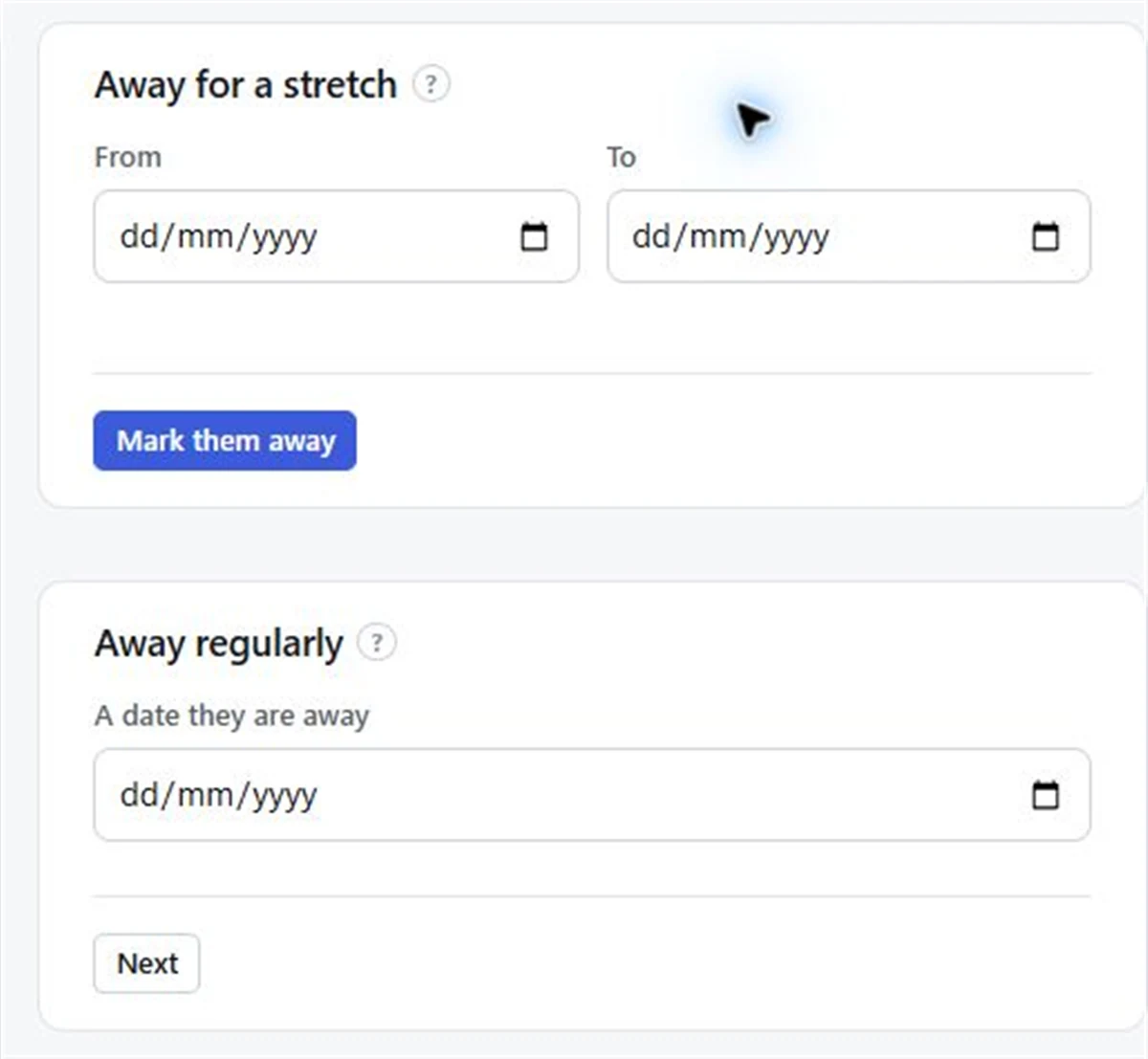
Each mark can apply to All my organisations or just one, so being away from the netball doesn’t take you off the Thursday food bank.
What happens next
- Fill, Redistribute and Pro’s filling by itself leave you off the days you’re away.
- Organisers see you greyed out and labelled Away on those dates. They never see a reason, and you’re never asked for one.
- Dates you’re already on stay as they are. Marking away doesn’t take you off a date you were already rostered on, and the organiser isn’t told. If you’re already on a date you can’t do, tell the organiser, or on Pro press I can’t make it.
- Pro schedule emails tell each person which of the team’s dates they’re marked away on, so mistakes get spotted early.
Marking yourself away
- 01
Sign in
Sign in and choose Your away days (or Mark yourself away).
- 02
Choose the kind
Pick a single date, Away for a stretch, or Away regularly.
- 03
Choose where it applies
Under New marks apply to, choose All my organisations or one of them.
- 04
Save
It shows straight away to organisers as Away, and Fill leaves you off.
For people without an account
An organiser can set away days for anyone added by name only. From the team page, open their Away days and mark them the same way. Margaret rings to say she’s at her sister’s in March; you mark it once and forget it.
Away days are free. The word on screen is always Away, and people only ever say when they can’t: they don’t pick their own dates. You put people on, and the roster works around the days they’ve marked.
Questions
How do people tell the roster when they can’t do a date?
They mark themselves away: on one upcoming date, for a stretch of up to 92 days, or regularly with rules like every first Sunday of the month. Fill then leaves them off those days.
Can the organiser see why someone is away?
Organisers see the person greyed out and labelled Away. They never see a reason.
If I mark away on a date I’m already on, am I taken off?
You stay on it, and the organiser isn’t told. Tell them directly, or on Pro press I can’t make it so the place can be filled.
Is it free?
Yes. Away days are part of the free plan, for everyone, with no limit.
Read next
Fair fill
One button puts people into every empty place, fewest turns first. Free.
Mark yourself away
Mark the days you can’t do in FairTurns by pressing Away on your team’s upcoming dates, so Fill leaves you off them.
When someone can’t make it
What to do when someone drops out of a shift: who to ask, what to say, and how to stop it every week.
Make your roster free
Click a day, add people, share one link. No card, no limit on people or dates.