Pro feature
Know who’s coming before the day
With Pro, everyone on a date can answer I can do it or I can’t make it, in the app or straight from the reminder email, without signing in. You find out on Tuesday, not at 7:55 on Saturday morning.

The silence before Saturday
The Bayside Food Bank packs hampers every Friday from 4 till 6, with eight volunteers on. The coordinator, Dev, sends the roster out on Monday. By Friday afternoon he has heard from three people, and he has no idea whether the other five are coming. Usually they are. Sometimes two aren’t, and the hampers go out late.
Replies close that gap. Each person on a date sees two buttons, on the date in the app and in the reminder email they get before it. One tap, no password.
What each answer does
I can do it
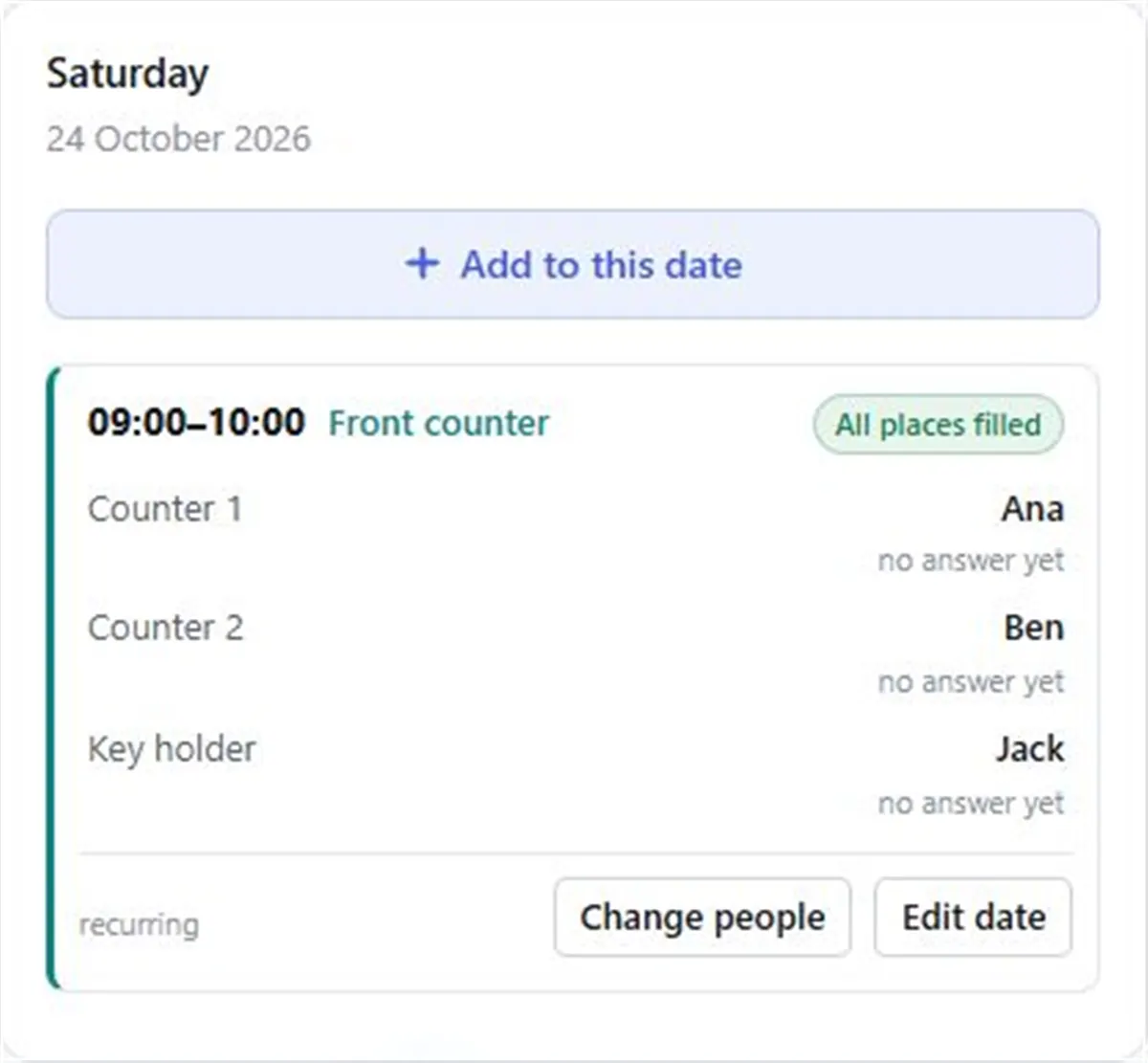
In the calendar’s day panel, “can do it” shows beside their name. Anyone who hasn’t answered shows “no answer yet”.
I can’t make it
Their place goes back to empty straight away, the team can see it, and the team’s moderators get an email (the administrators, if the team has no moderator).
I can after all
Changed their mind? While the place is still empty, they can take it back.
If filling by itself is switched on, an “I can’t make it” goes further: at its next hourly run, FairTurns puts the next person in line on the place and asked. If they can’t either, the next one is asked.
How people reply
- 01
The email arrives
Pro roster emails send each person a reminder before their date, with the two buttons.
- 02
They tap an answer
No sign-in needed. The link works until the day after the date.
- 03
Or answer in the app
People who are signed in see the same buttons on their dates under the calendar.
- 04
You see the result
Answers show beside each name in the calendar, and a “can’t make it” emails the moderators.
Who can reply
Replies come from people who have accepted an invitation, because the email goes to them and only they can answer it. For someone added by name only, an organiser updates the roster for them as usual.
There’s no swap button. When someone can’t make it, their place opens up and the next person can be asked, or you put someone on by hand.
What Pro costs
Pro is A$1 a month per organisation, paid 1 to 5 years at a time (A$12 to A$60), with GST included for Australian organisations. It covers every team and every person in the organisation, and adds replies, roster emails, filling by itself and How often. See pricing.
Questions
Can volunteers confirm their roster date?
Yes, on Pro. Each person can press I can do it or I can’t make it on their date, in the app or from the reminder email without signing in.
What happens when someone says they can’t make it?
Their place goes back to empty, the team can see it, and the moderators are emailed. With filling by itself on, the next person in line is put on and asked at the next hourly run.
Can someone take back an answer?
Yes. While the place is still empty, they can press I can after all and take it back.
How much does it cost?
Pro is A$1 a month per organisation, paid 1 to 5 years at a time, A$12 to A$60. It covers everyone in the organisation.
Read next
Roster reminders
The schedule to the team on the day you choose, and a reminder before each date. Pro.
Filling by itself
New dates get people as they’re added, and when someone can’t make it, the next person is asked. Pro.
When someone can’t make it
What to do when someone drops out of a shift: who to ask, what to say, and how to stop it every week.
Make your roster free
Click a day, add people, share one link. No card, no limit on people or dates.