Free feature
Set the date once, and it keeps coming
Click a day on the calendar, set the times, and choose how it repeats from a short list of finished sentences. New dates appear as old ones pass, so the roster never runs out.
A year of Tuesdays in three clicks
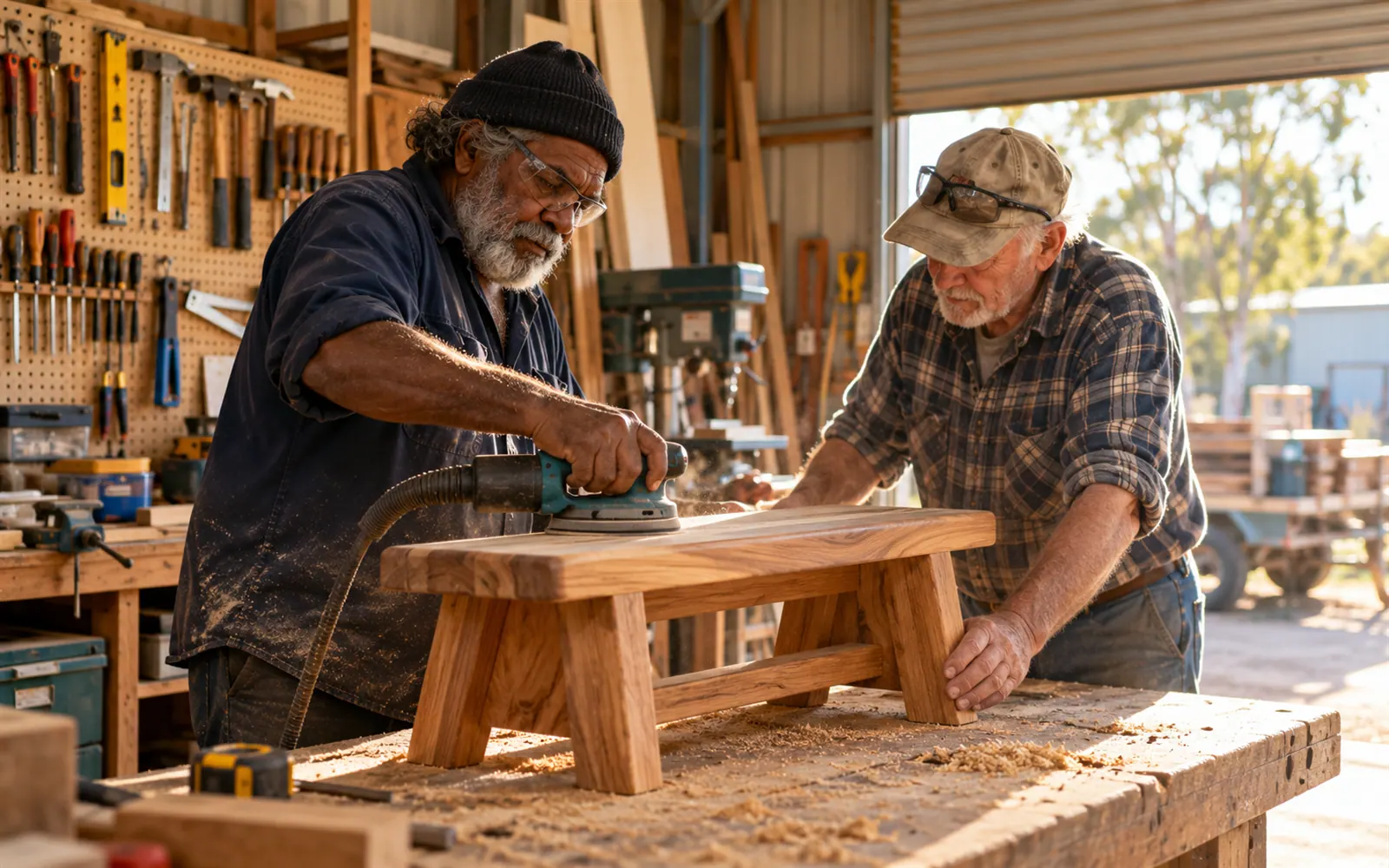
The Northside Men’s Shed opens the workshop every Tuesday and Thursday, 9 till 12, and has a working bee on the last Saturday of the month. Writing those out for a year is 116 rows in a spreadsheet. In FairTurns it is three dates, each with a repeat.
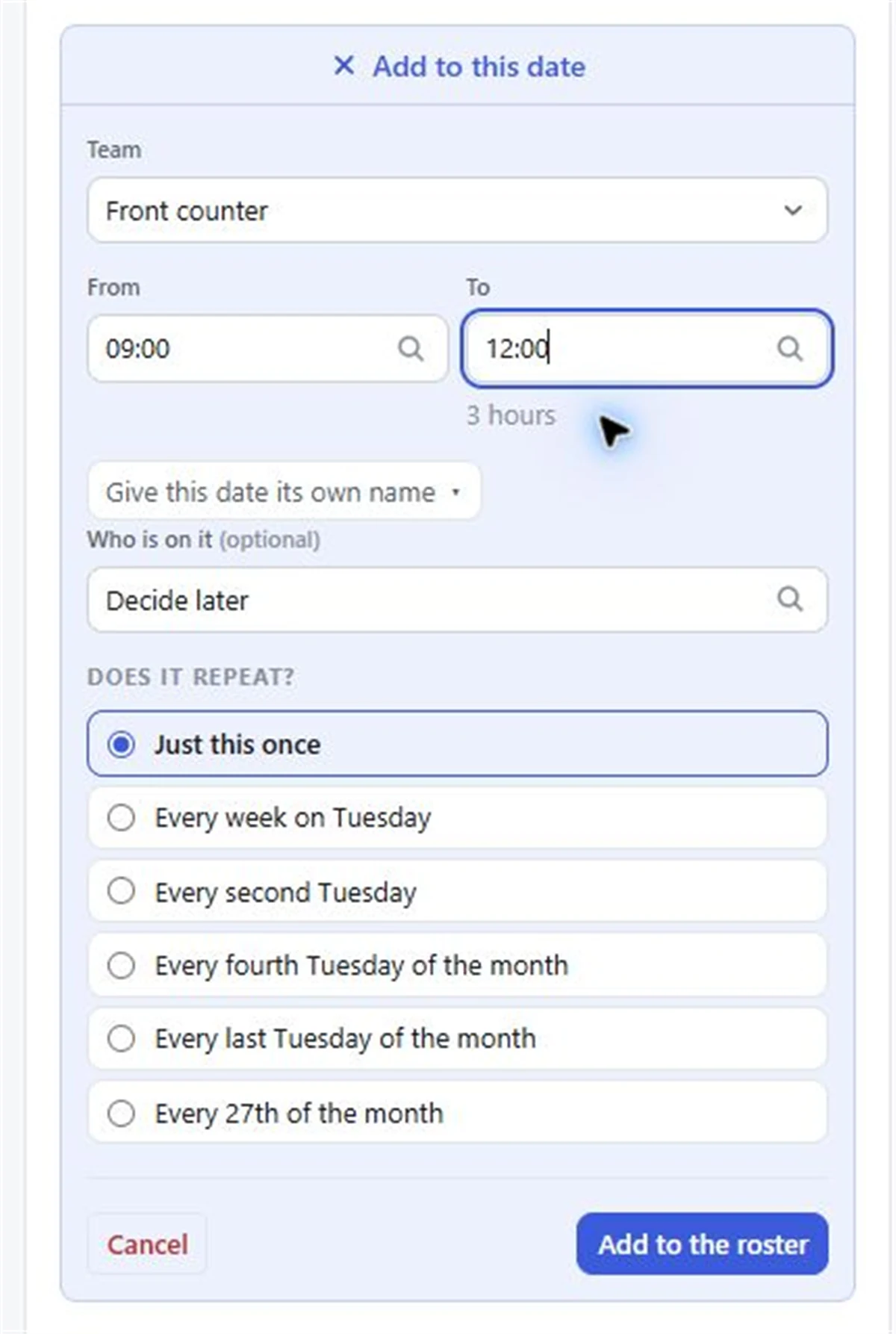
Click a day on the calendar and the day panel opens. Set from and to times, then pick how it repeats. The choices are written out from the day you clicked, so there’s nothing to decode. For example:
- Just this once
- Every week on Tuesday
- Every second Tuesday
- Every fourth Saturday of the month
- Every last Saturday of the month
- Every 25th of the month
Kept ahead for you
A repeating schedule is kept 3, 6, 9 or 12 months ahead, whichever you choose. As each date passes, a new one appears at the far end. You never have to remember to “add next year’s dates”, and the public roster link always has something to show.
New dates arrive empty; press Fill whenever you want people on them. With Pro, filling by itself puts people on them as they’re added.
Changing one date without breaking the pattern
Change one date
The Easter Tuesday runs 10 till 1? Change that one date. Only that date changes, and it keeps the change.
Cancel one date
Closed for the Christmas break? Cancel the dates. A cancelled date can be brought back.
More than one time
Add a morning and an afternoon time on the same day. Tick Same person all day on the Fill page if one person should do both.
People right on the day
Put people on a date straight from the calendar’s day panel, without leaving the page.
Step by step
- 01
Open the calendar
Month, week or list view. Each team has its own colour.
- 02
Click the first day
The day panel opens. Choose the team and set the times, like 9:00–12:00.
- 03
Choose the repeat
Pick the sentence that matches, such as Every week on Tuesday.
- 04
Choose how far ahead
A new schedule is kept 12 months ahead. Change it to 3, 6 or 9 under the team’s Schedules if you like.
- 05
Fill it
Press Fill empty places on the team’s Fill page to put people on.
Good to know
Repeats are weekly, every second week, monthly (a weekday of the month, the last weekday, or a date such as the 25th) or just once. Shift cycles of a different length, like four on and four off, aren’t among the repeats; dates like those are added one at a time with Just this once.
Questions
Can I make a roster that repeats every second week?
Yes. Click the first day and choose the every-second option, such as Every second Saturday. It is kept ahead automatically.
Can a date repeat on the last Sunday of the month?
Yes. Click a last Sunday and choose Every last Sunday of the month. The first, second, third or fourth Sunday works the same way.
If I change one date, do the others change too?
Only the date you changed. It keeps the change, and the rest of the series stays as it was.
How far ahead can the roster go?
Repeating dates are kept 3, 6, 9 or 12 months ahead, and new ones appear as old ones pass.
Read next
Repeating dates
Make a date repeat every week, every second week or monthly in FairTurns, from the calendar or from a team’s Schedules tab.
Fortnightly roster template
Two weeks on one page, Week 1 and Week 2, for teams that work alternate Saturdays or late nights.
Men’s shed roster
Workshop supervisors, urn and lock-up for a men’s shed, with only inducted members on the machines.
Make your roster free
Click a day, add people, share one link. No card, no limit on people or dates.