Church roster app
One church roster for every team, from the band to the urn
Most churches run five or six rosters in five or six places. FairTurns puts every team on one calendar, shares the Sundays out across the people who help, and gives the whole church one link to check.
Free, with no limit on people or dates. No card.
Six rosters, six coordinators, one Sunday
The music roster is in a spreadsheet the worship leader updates when she remembers. The sound desk is a WhatsApp group. Morning tea is a sheet on the noticeboard in the foyer, and the kids’ programme leader keeps hers in a notebook. Nobody can see all of it, so the same keen people end up on three teams on the same Sunday and nobody notices until 9:15.
Then someone moves away, a couple has a baby, and a new family wants to help. Every coordinator rebuilds their own roster from scratch, usually on a Saturday night, and the office fields the “am I on this week?” texts.
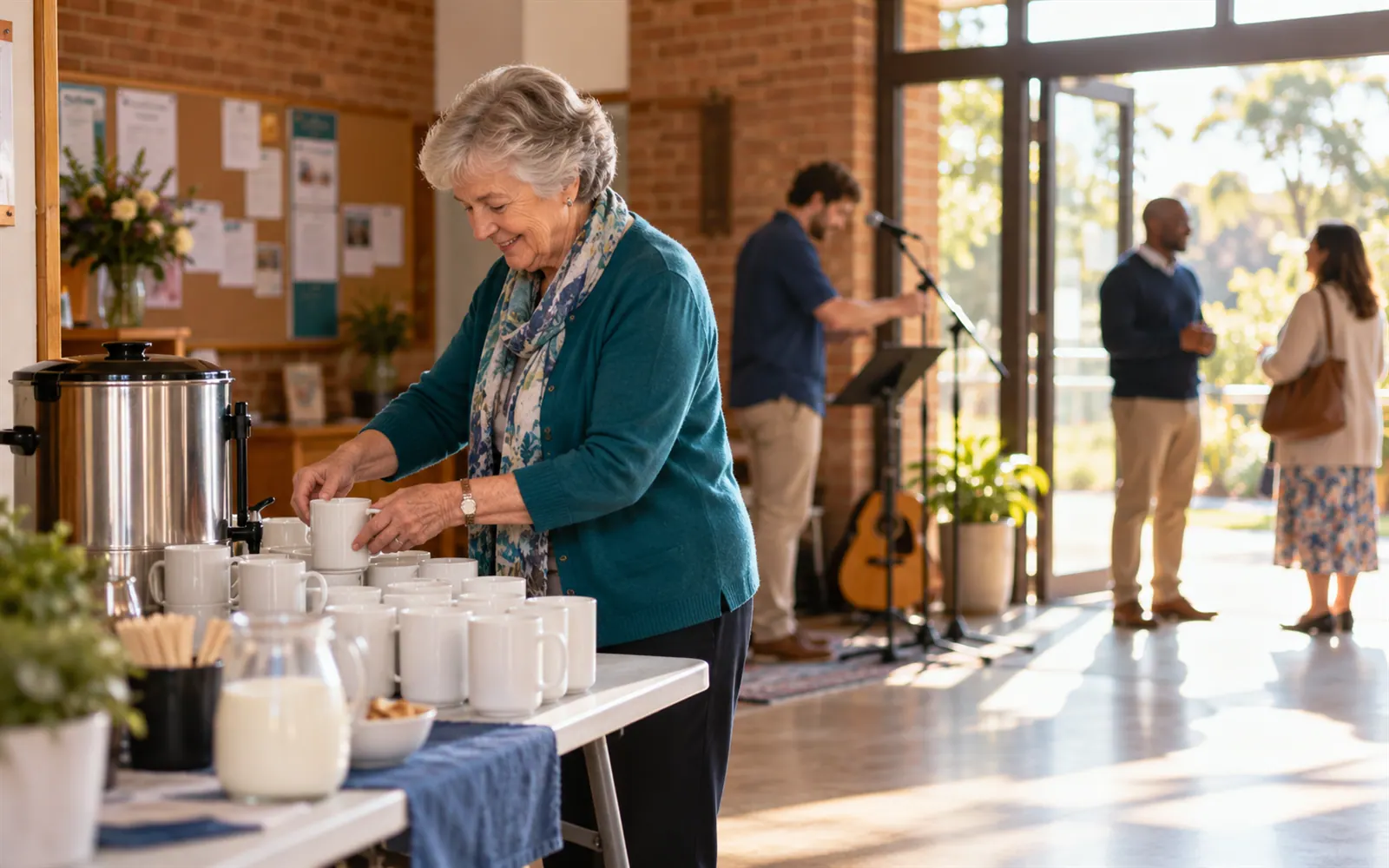
FairTurns is a free church roster app for all of it. Each team keeps its own roster and its own coordinator, but everything sits on one calendar, so you can see the whole morning at a glance.
How FairTurns runs a church roster
A team for each roster
Music, Sound desk, Welcomers, Morning tea, Kids’ church: each team has its own colour and its own coordinator, called a team moderator.
Sundays set once
Click a Sunday, set 9:00 till 11:30 and choose “Every week on Sunday”. The dates are kept 3 to 12 months ahead, so next term is already there.
Fill the gaps fairly
Press Fill and each empty place goes to whoever has had the fewest turns in that position. Nobody already on is moved.
No double booking inside the church
Fill never puts one person on two teams at overlapping times, so the bass player isn’t also on the welcome desk at 9:30.
Away Sundays
People mark the Sundays they’re away, one at a time, for a stretch, or regularly (“every first Sunday of the month”). Fill leaves them off.
One link for the whole church
Switch on the public roster link and put it in the newsletter. It opens on any phone without signing in.
Set it up
- 01
Create the church
Create the organisation and add a team for each roster you run now.
- 02
Name the positions
Add positions with headcounts, such as “Welcome door, 2 people” or “Keys, 1 person”.
- 03
Add the people
Invite people by email, use a join link, or paste a list of names for people without email.
- 04
Set the Sundays
Click the first Sunday, set the times, and choose how it repeats.
- 05
Fill and share
Press Fill for the next three months, check it, then share the public roster link.
When you want it to run itself
Pro emails each person who has accepted an invitation the roster on the day you choose and a reminder before their Sunday. If they can’t make it they say so from the email, the team coordinator is told, and with filling by itself the next person in line is asked.
A$1 a month per organisation, paid 1 to 5 years at a time. See Pro and pricing
Good to know
- Roster three months at a time and run Fill again each quarter. People can plan around it, and changes stay small.
- Give older members a printed copy: print the roster page and pin it in the foyer next to the link.
- You put people on and FairTurns shares the turns out; people don’t pick their own Sundays. It’s a roster, not a sign-up sheet.
- There’s no swap button. Someone who can’t make it tells the coordinator, who moves people by hand, or on Pro says so from the reminder email.
- Clash checks cover the teams inside your church. If someone helps at two churches, FairTurns doesn’t compare the two rosters.
Questions
Is the church roster app really free?
Yes. Teams, people, dates, Fill, Redistribute, away days and the public roster link are all free, with no limit on how many. Pro adds reminder emails and replies for A$1 a month for the whole church, paid 1 to 5 years at a time.
Can each team leader run their own roster?
Yes. Make each leader the team moderator of their team. They run that roster, while administrators can see and change every team.
Do older members need an email address or a smartphone?
Add them by name only and they can be rostered and printed like anyone else. They get no emails, and the coordinator or a family member can mark their away Sundays for them.
We have two services. Can the same person do both?
Yes. Add a date for each service time on that Sunday and turn on Same person all day for that team. One person covers the position at both services, and if they can only do one, only the other goes to somebody else.
What happens when people leave or join?
Use Redistribute. It takes off anyone you untick, shares their Sundays out again, and shows every person who gains or loses a date before anything changes.
Does it work as a church rota in the UK?
Yes. Call it a rota if you like: the teams, dates and Fill work the same way, and the public link opens on any phone.
Free templates and guides
Church roster template
Sunday teams in one table: music, sound, welcomers, kids’ church and morning tea.
Planning a church roster for the year
Plan music, sound, welcomers, kids’ church and morning tea for the year: Easter, Christmas, holidays and how often people are on.
FairTurns and Planning Center
Planning Center Services plans the whole service. FairTurns just does the roster. Which a small church needs.
Similar rosters
Music and worship team
Keys, guitar, drums and vocals rostered by position, so every Sunday has a full band.
Sound, AV and streaming
Sound desk, slides and livestream rostered by skill, with trainees brought along gradually.
Welcomers, ushers and greeters
Who is at the door, in the car park and on the aisles each week, shared out across the parish.