Church sound and AV roster
The sound desk is covered, and so are the slides
A small tech crew carries every Sunday, and the one person who knows the desk ends up on it every week. FairTurns rosters sound, slides and livestream by who can actually run them, and spreads the early starts around.
Free, with no limit on people or dates. No card.
Everyone knows who can run the desk, and that’s the problem
The tech crew is usually three or four people with the patience to learn a mixing desk, plus a couple of teenagers who are quick with the slides. The person who is best on sound is there at 7:45 for line check every single Sunday, because asking someone else feels like a risk.
Then they go on holiday for three weeks in January, and the person filling in hasn’t touched the desk since October. The livestream drops out, the radio mics have flat batteries, and everyone agrees the roster needs fixing.
A fair AV roster is mostly about skills: who can run what, who is learning, and making sure the experienced people aren’t on every week.
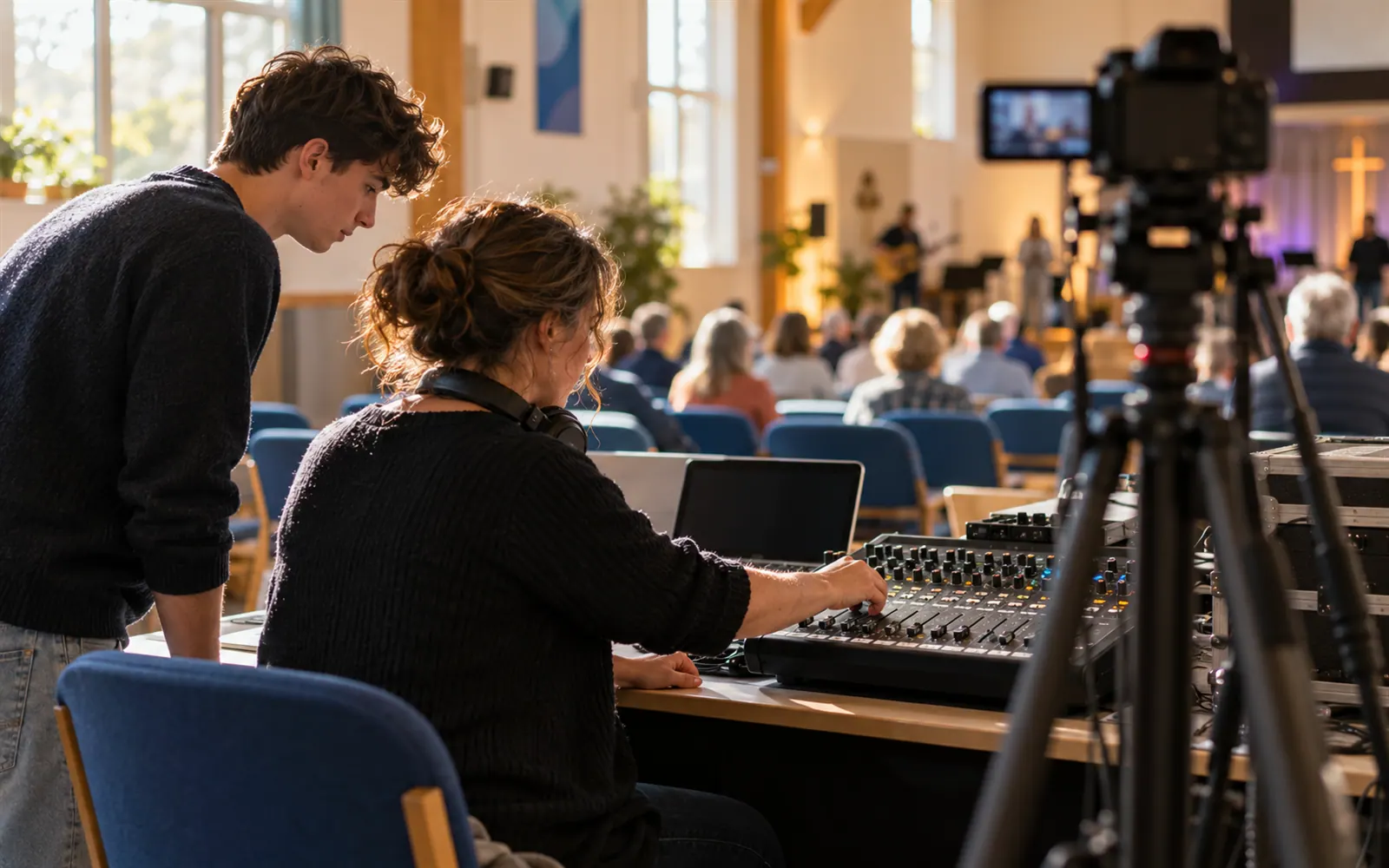
How FairTurns runs the tech crew
A position for each job
Sound desk, Slides, Livestream camera, Lighting: add the jobs you actually need as positions, with how many people each takes.
Set up by skill
Tick the positions each person can run. Only people set up for the desk are put on the desk; everyone else stays on slides or camera.
Early starts shared around
Fill gives each place to whoever has had the fewest turns in that position, so line check isn’t always the same person’s alarm.
A trainee seat
Add a position called “Sound desk, learning” and put your trainee there next to an experienced operator until they’re ready to run it alone.
No clash with the band
Inside one church, Fill won’t put someone on sound and on the music team at the same time.
Holidays planned around
Crew members mark January away as one stretch, up to 92 days, and Fill leaves them off those Sundays.
Set it up
- 01
Make the team
Create your church and a team called Tech crew or Sound and AV.
- 02
Add the jobs
Add positions for the sound desk, slides, livestream and anything else you run.
- 03
Add the crew
Invite the crew by email or add them by name, then tick the jobs each can do.
- 04
Set the times
Click a Sunday and set the call time for line check, then choose the repeat.
- 05
Fill and check
Press Fill, glance at the Turns booked chart, and share the link with the crew.
When you want it to run itself
Pro sends each crew member who has joined a reminder before their Sunday, so the 7:45 start isn’t a surprise. If they can’t make it they say so from the email, the coordinator is told, and the next trained person for that job is asked. You can also set a new operator to Now and then on the desk while keeping them on More often for slides.
A$1 a month per organisation, paid 1 to 5 years at a time. See Pro and pricing
Good to know
- Set the call time as the date’s start time. Everyone in a team shares its dates’ times, so if the desk needs a 7:45 line check and slides can come at 8:30, make Sound desk and Slides separate teams, each with its own time.
- For a trainee, limit them to the “learning” position until you’re happy, then tick the full desk position too.
- The crew don’t book their own Sundays: you put them on by job and they see where they stand on the link.
- There’s no space on a date for patch lists or checklists. Keep the desk notes taped beside the desk where they’re useful.
Questions
Can one person do slides one week and sound the next?
Yes. Set them up for both positions and Fill uses them wherever they’re needed, one job per Sunday, counting their turns in each position separately.
We only have two people who can run sound. Will Fill still work?
Yes. It alternates between them, skipping either one on Sundays they’ve marked away. The Turns booked chart shows how many Sundays each has, which helps make the case for training a third.
Can we roster the midweek youth night and funerals too?
Add youth night as its own repeating date, for example every Friday, and add a funeral as a one-off date when it comes up. Press Fill and the crew is shared across all of them.
How do I keep the same operator for both services?
Add a date for each service on the Sunday and turn on Same person all day for the tech crew. The desk stays with one person across the morning.
Is it free?
Yes. The roster, positions, Fill and the public link are free. Pro, with reminders and replies, is A$1 a month for the whole church.
Free templates and guides
Positions and headcounts
Name the jobs on each date and how many people each needs. Nobody gets a job they’re not set up for.
Rostering experienced people with trainees
Pair new people with experienced ones on the roster: how to set it up, how often trainees should be on, and when to let them go solo.
Church roster template
Sunday teams in one table: music, sound, welcomers, kids’ church and morning tea.
Similar rosters
Music and worship team
Keys, guitar, drums and vocals rostered by position, so every Sunday has a full band.
Church rosters
Music, sound, welcomers, kids and morning tea on one shared church roster, free for every team.
Welcomers, ushers and greeters
Who is at the door, in the car park and on the aisles each week, shared out across the parish.